Java supports the usual
logical conditions from mathematics:
Less than: a
< b
Less than or equal to: a <= b
Greater than: a
> b
Greater than or equal to: a >= b
Equal to a
== b
Not Equal to: a
!= b
You can use these
conditions to perform different actions for different decisions.
Java has the following
conditional statements:
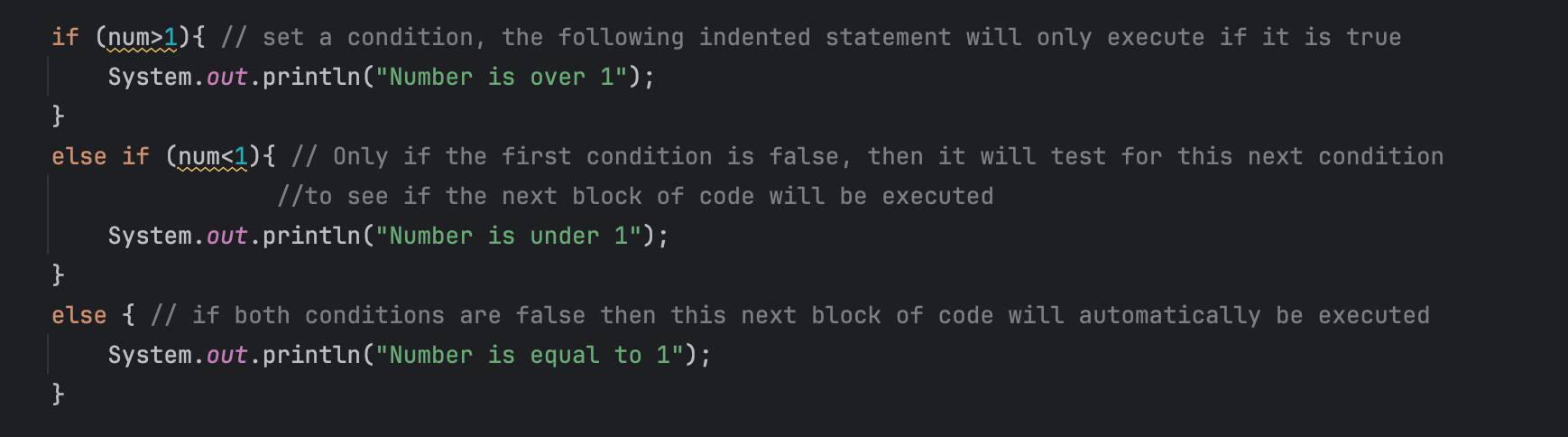
Use if to
specify a block of code to be executed, if a specified condition is true
Use else to
specify a block of code to be executed, if the same condition is false
Use else if to specify a new condition to test, if the first condition is
false
Use switch to
specify many alternative blocks of code to be executed
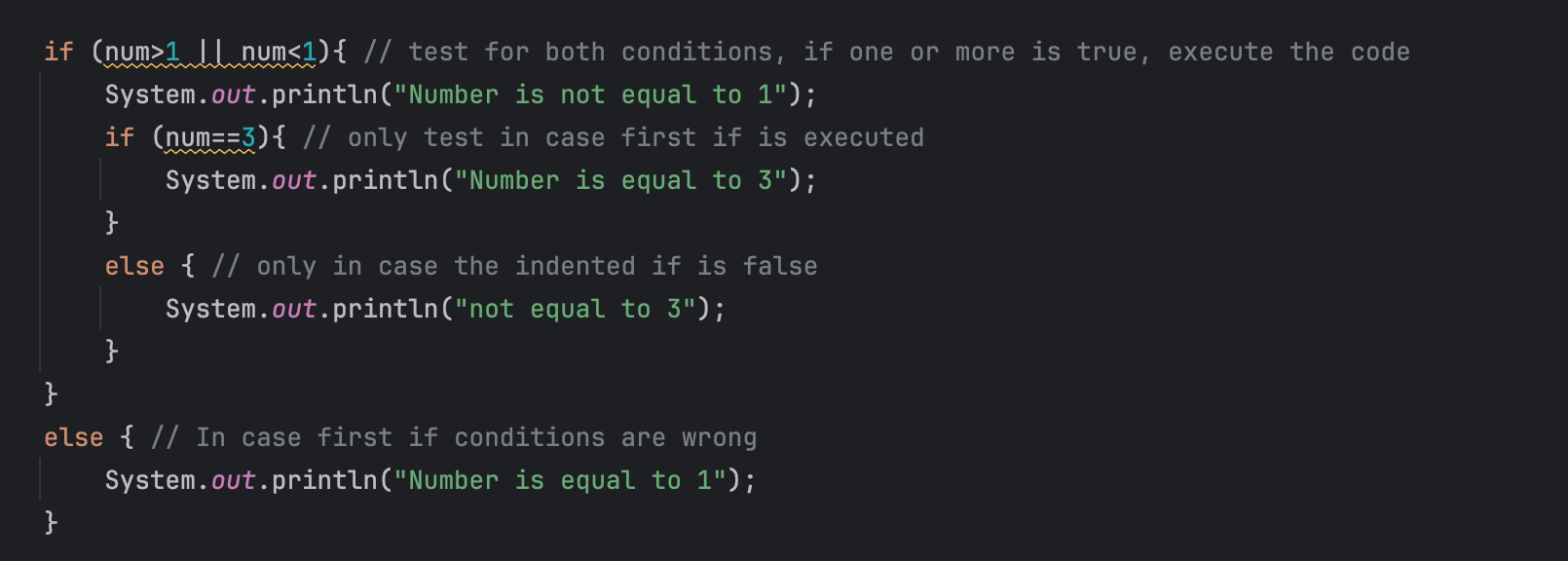
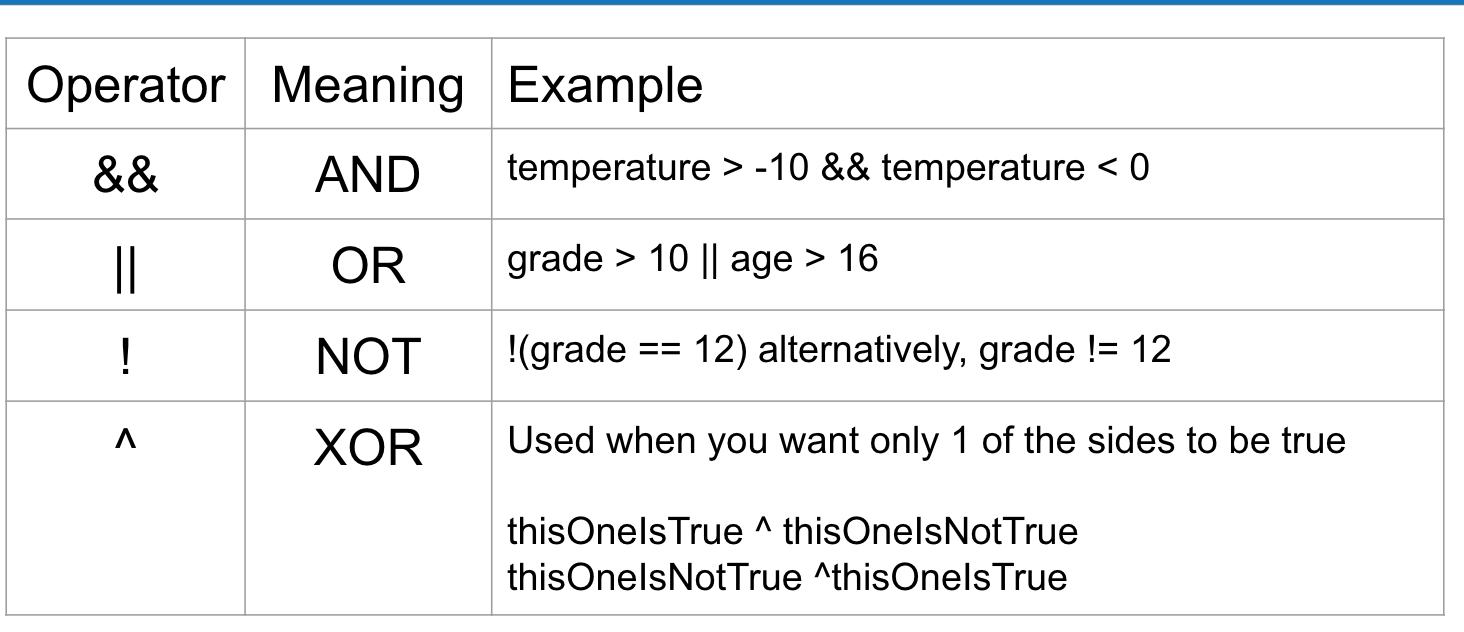
It is important to close every { that is opened after each comparison. The statements that will be executed if the condition is true are always indented below the if. You can have hundreds, or thousands of else if statements. Now, it is also important to know that you can include two comparisons in a if statement, this next section will illustrate this.
Indented if statements are used to test conditions, only if the first one is true. If the initial if statement is false, then every indented if will never be tested, it will automatically execute the initial else statement.
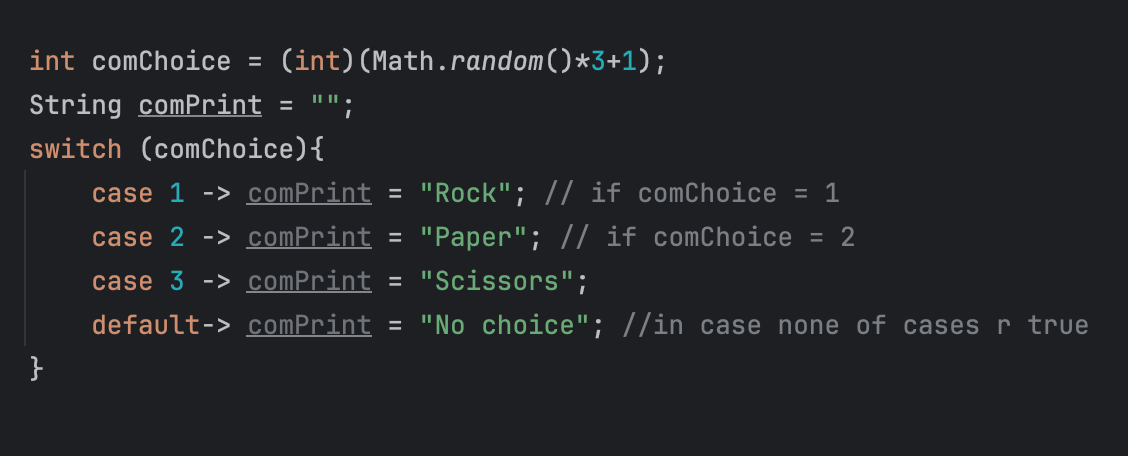
Switch case is used if you want to avoid a lot of if else statements. However it is important to know that you can only use switch case if you are comparing a variable to an exact value and not a range.
NEXT STEP
created with
Website Builder Software .